
The editing world is changing fast. And the editors who are growing their income, landing better
clients, and finishing projects faster are not necessarily the most talented — they’re the most
equipped.
AI is not here to replace video editors. It’s here to remove the repetitive, time-consuming parts of
the job so you can focus on what actually matters: storytelling, creativity, and impact.
The editors who lose work won’t be replaced by AI. They’ll be replaced by editors who use AI.
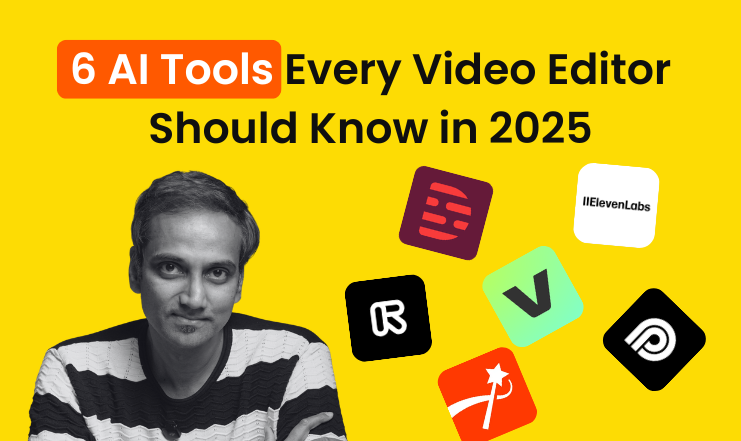
Here are 6 tools every video editor in India should know right now.
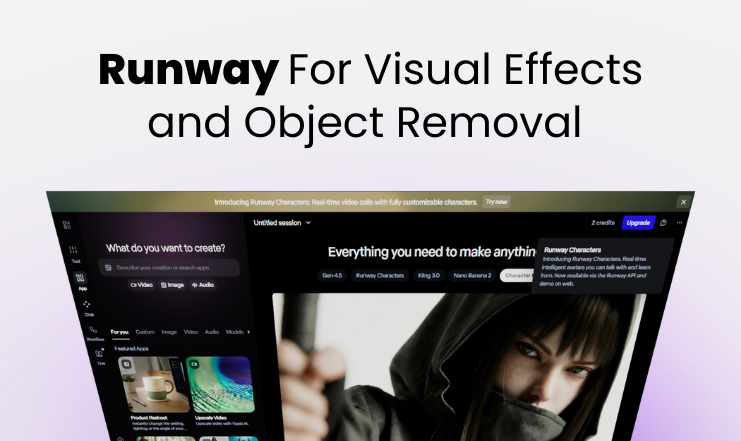
Runway — For Visual Effects and Object Removal
Ever needed to remove an unwanted object from a video clip? Change a background without a green screen? Or generate a visual effect without shooting anything?
Runway does all of this using AI.
You can erase a mic stand that snuck into frame, remove a person from the background, or generate entirely new video from a text prompt. For editors working on brand films, ads, or creative content, Runway saves hours of compositing work that previously needed a motion graphics specialist.
Think of it as Photoshop’s healing brush — but for video, and ten times more powerful
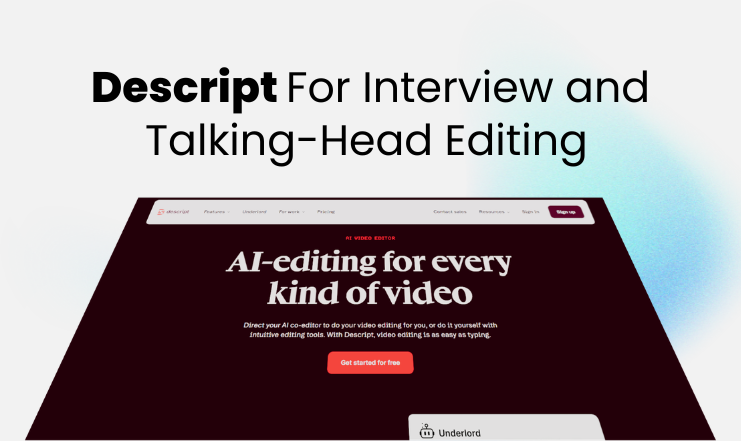
Descript — For Interview and Talking-Head Editing
Descript turns your video into a text transcript and lets you edit the video by editing the text.
Want to remove a section where the speaker went off track? Delete those lines in the transcript.
The video cut happens automatically. No timeline scrubbing. No manual trimming.
It also includes a feature called Overdub, which regenerates audio in the speaker’s own voice — useful for fixing a mispronounced word or a line that needs rewording after the shoot.
For anyone editing interviews, podcasts, webinars, or talking-head videos, Descript can cut editing time in half.
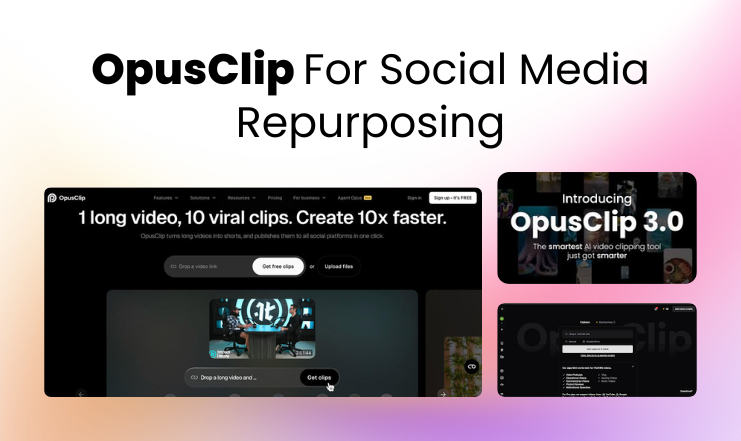
OpusClip — For Social Media Repurposing
Your client has a 45-minute webinar and wants 10 short clips for Instagram and YouTube Shorts. The old way means watching the whole thing, manually finding highlights, cutting, resizing, and adding captions — hours of work.
OpusClip does it automatically. Paste the video link, and it finds the most engaging moments, clips them, resizes for vertical format, and adds captions. It even scores each clip based on
predicted virality so you know which ones to prioritise.
For social media editors and anyone doing content repurposing work, this is one of the biggest time-savers available today.
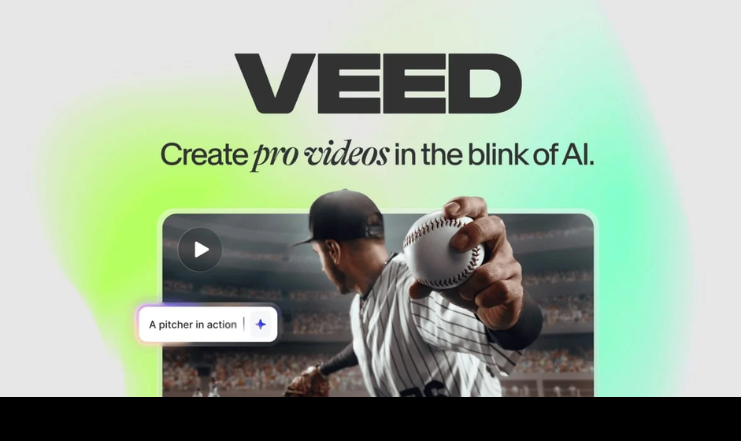
VEED.io — For Beginners and Browser-Based Editing
VEED is a browser-based video editor — no installation, no high-end laptop required. Just open your browser and start editing.
Its AI auto-subtitle feature is accurate, fast, and supports multiple languages including Tamil and Hindi, which makes it especially useful for editors working with Indian content creators and businesses.
VEED also includes noise removal, background removal, and a screen recorder. For freelancers and beginners who aren’t ready to invest in heavy software, it’s a genuinely capable tool to start with.
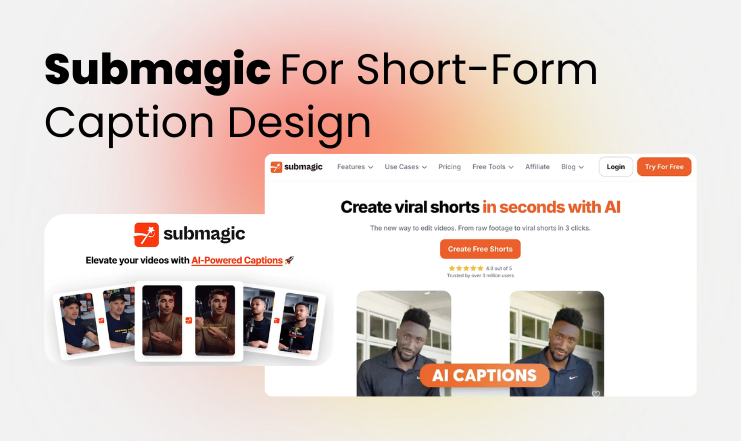
Submagic — For Short-Form Caption Design
Those Reels and Shorts where captions pop in word by word, perfectly timed, with colour highlights on key phrases — that’s what Submagic does.
It specialises in dynamic animated captions that boost watch time and engagement on short-form content. It also automatically trims silences so the video never drags.
If you’re editing content for creators, coaches, or brands focused on Shorts and Reels performance, Submagic makes your work look premium with very little extra effort.
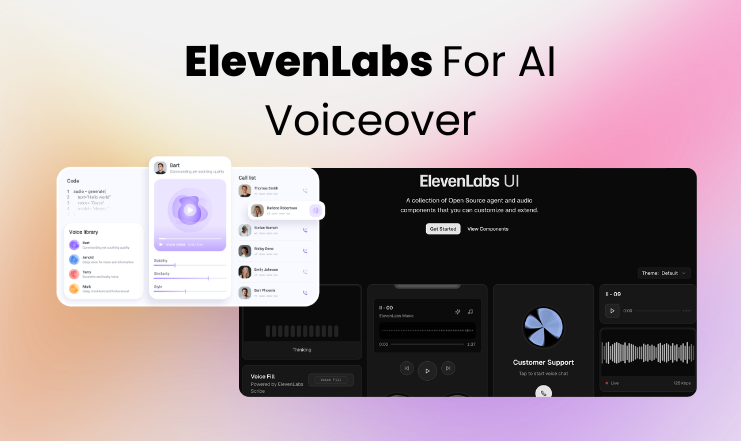
ElevenLabs — For AI Voiceover
Here’s a situation most editors face eventually: the client approves the video, then wants one
line of voiceover changed. The original voice artist is unavailable. The project is stuck.
ElevenLabs solves this. It generates ultra-realistic AI voiceovers from text in minutes — not the robotic text-to-speech of the past, but something that genuinely sounds like a professional
narrator.
It also supports voice cloning, so if a client has an established brand voice, ElevenLabs can replicate it for future videos without booking a studio each time. For editors who want to offer complete video production including voiceover, this opens up a significant new income stream.
The Bottom Line
These tools are not replacements for editing skill — they are multipliers. The stronger your fundamentals, the more powerful they become in your hands.
At Video Superstars Academy, we teach real editing skills built on industry-standard tools and workflows, so our students are job-ready and freelance-ready from day one.
If you want to build a career in video editing the right way, we’d love to have you.